Voicemod
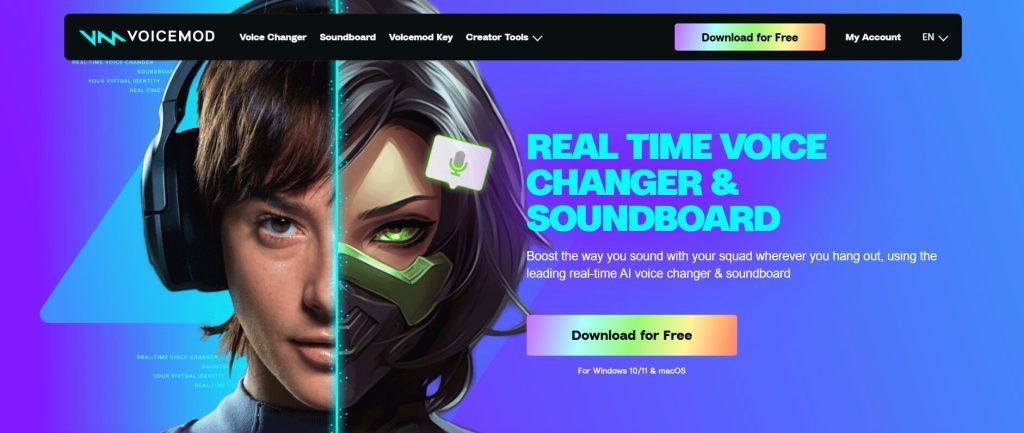
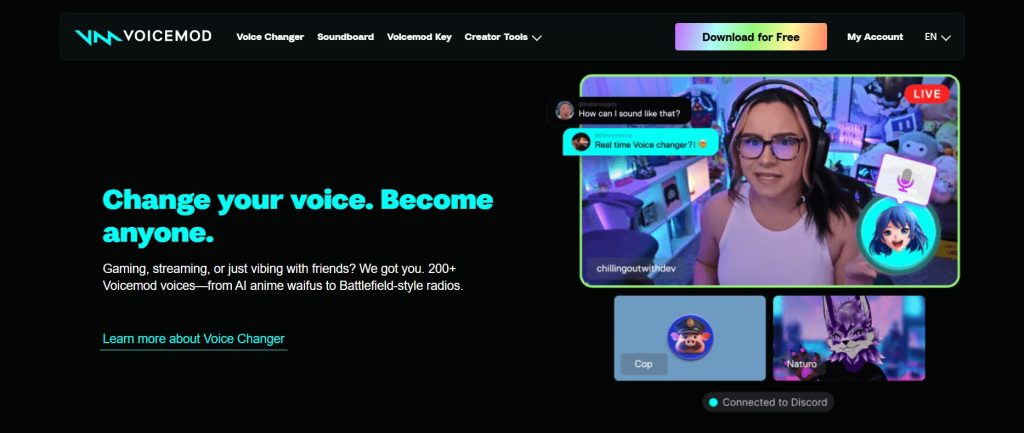
Voicemod is a real-time voice changer and soundboard software designed to transform your voice and enhance online communication and content creation. It allows users to modify their voice with a wide range of effects, use AI voices, and trigger custom sound effects, providing a unique and immersive audio experience for gamers, streamers, and online communicators.
Key Features & Capabilities
- Voice Changer: Offers a vast library of real-time voice filters to instantly alter your voice (e.g., robot, alien, chipmunk, deep, AI voices).
- AI Voices: Utilizes advanced AI algorithms to transform your voice into hyper-realistic, generated vocal personas, including celebrity or character voices.
- Soundboard: Provides a customizable soundboard to trigger sound memes, iconic lines, and custom audio clips during live conversations or streams.
- VoiceLab: A custom voice generator that allows users to combine multiple audio effects, filters, and sounds (delays, reverb, vocoder, pitch shifters) to create unique voice changers.
- Keybinds System: Enables assigning keyboard shortcuts to quickly switch voices, trigger soundboard clips, and control other Voicemod actions without interrupting gameplay or communication.
- Compatibility: Works seamlessly with a wide range of games and communication applications (e.g., Discord, Zoom, Roblox, Valorant, Fortnite, OBS, Twitch).
- Plugins & Extensions: Supports popular streaming hardware and software, such as Elgato Stream Deck and Loupedeck, for enhanced control.
- Mobile App Companion: Offers a mobile app to control voice changers and soundboard sounds from a smartphone, including a hardware device for console integration.
How to Use Voicemod
Using Voicemod involves a simple setup to integrate it with your microphone and communication apps:
- Download & Install: Download and install the Voicemod software from the official website on your Windows or macOS system.
- Audio Configuration: Open Voicemod settings and select your actual microphone as the input device and your headphones as the output device. Enable “hear my voice” to monitor your altered voice.
- Integrate with Apps/Games: In your desired communication app or game (e.g., Discord, Zoom, Fortnite), go to its audio settings and select “Voicemod Virtual Audio Device” (or “Voicemod Microphone” on macOS) as your input device.
- Select & Customize Voice: Choose a voice from the extensive library, or create a custom one using VoiceLab.
- Trigger Sounds: Use the soundboard and assign keybinds to trigger sounds during your conversations or streams.
Common Use Cases for Voicemod
- Gaming: Enhances in-game communication by allowing players to role-play characters, taunt opponents, or add humorous effects.
- Streaming & Content Creation: Provides unique audio elements for live streams, YouTube videos, podcasts, and other multimedia content, increasing entertainment value.
- Online Communication: Adds a fun and personalized touch to voice chats on platforms like Discord, Zoom, and Skype for casual conversations or virtual meetings.
- Pranks & Entertainment: Used for lighthearted pranks with friends by altering voice or playing sound effects.
- Anonymity: Helps users maintain privacy by altering their voice in online interactions.
Frequently Asked Questions (FAQ)
Q: What is Voicemod?
A: Voicemod is a real-time voice changer and soundboard software that allows users to modify their voice and trigger sound effects in online communication, gaming, and content creation.
Q: How does Voicemod use AI?
A: Voicemod uses AI to power its advanced AI voice features, transforming voices into hyper-realistic or character-specific outputs.
Q: Is Voicemod easy to use?
A: Voicemod is designed with a user-friendly interface for easy setup and real-time voice transformation, making it accessible even for beginners.
Q: What are the benefits of using Voicemod?
A: Benefits include enhanced entertainment in online interactions, improved content creation quality, unique personal expression, and added privacy.
Q: Does Voicemod integrate with other tools?
A: Yes, Voicemod integrates with popular communication platforms, games, and streaming software, and also supports external hardware like stream decks.
Q: Can Voicemod help with creating custom voices?
A: Yes, Voicemod features a “VoiceLab” that allows users to combine various effects and filters to create their own unique custom voices.
Q: Is Voicemod suitable for both casual users and professionals?
A: Yes, Voicemod offers features suitable for casual online fun as well as advanced tools for streamers, content creators, and professionals.
Q: What kind of support does Voicemod offer?
A: Voicemod typically offers support through its Help Center with articles, troubleshooting guides, and potentially email support for user inquiries.