VideoSDK
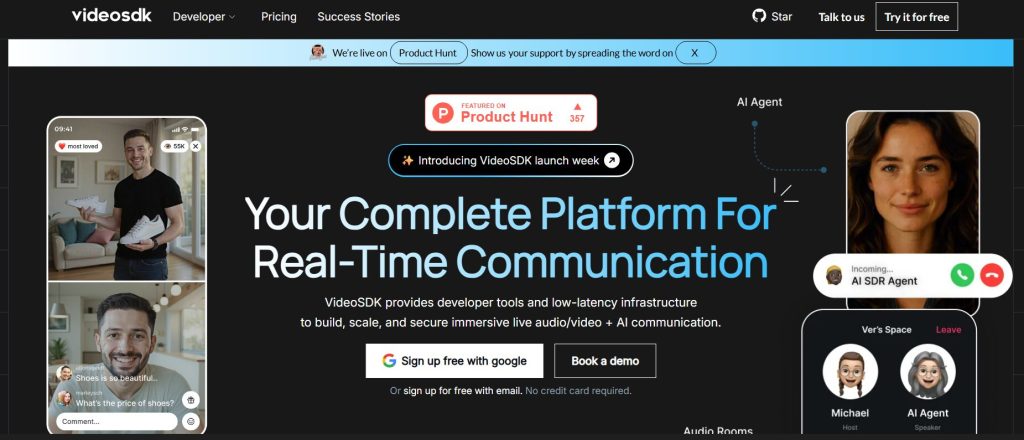
VideoSDK is a comprehensive platform providing developer tools and low-latency infrastructure to build, scale, and secure immersive live audio/video + AI communication experiences. It aims to help developers integrate real-time communication capabilities into any application or website, simplifying complex video processing tasks and accelerating product launch.
Key Features & Capabilities
- Real-time Video and Audio Communication: Enables live video calls, conferences, and interactive live streaming with high quality and low latency.
- AI-Powered Communication Features: Integrates AI agents, AI virtual backgrounds, AI noise removal, and AI filters to enhance interactive video and audio experiences.
- Cross-Platform Compatibility: Provides SDKs and APIs for various platforms and frameworks, including JavaScript, React, Angular, Vue, Android, iOS, React Native, Unity, Flutter, Node.js, Python, PHP, Java, and Rust.
- Screen Sharing & Recording: Allows users to share their screens during calls and offers the ability to record and play back video calls or conferences for future reference.
- Interactive Features: Includes functionalities like in-call chat, polls, Q&A, virtual gifts, and interactive whiteboards to boost engagement.
- Customizable UI Components: Offers pre-built UI toolkits for quick integration or the flexibility to customize the user interface to match specific application needs.
- Scalability and Reliability: Designed to handle a large number of simultaneous users with high reliability and adaptive bitrate streaming to ensure stable connections.
- Security Features: Incorporates features like user authentication, data encryption, geo-fencing, cloud proxy, and end-to-end encryption for secure communication.
- Developer-Friendly APIs & Documentation: Provides well-documented APIs, code samples, and guides to assist developers in building video-centric applications efficiently.
How to Use VideoSDK
VideoSDK provides developer tools and documentation to integrate its capabilities into your applications. Here’s a general overview of how developers can use VideoSDK:
- Get Credentials: Obtain necessary authentication tokens or API keys from the VideoSDK dashboard.
- Install SDK: Install the VideoSDK in your project using package managers (e.g., npm) or by including their CDN.
- Initialize Client: Create and initialize the VideoSDK client within your application.
- Join/Create Sessions: Use the SDK’s functions to create new video sessions or allow participants to join existing ones by passing session names, tokens, and other parameters.
- Implement Features: Utilize the SDK’s extensive features like rendering video tiles, toggling audio/video, enabling screen sharing, or integrating chat functionality.
- Handle Events: Implement event listeners to manage real-time events such as participant joining/leaving, media status changes, or network conditions.
- Deploy & Scale: Deploy your application and leverage VideoSDK’s infrastructure for scaling and securing real-time communication.
Common Use Cases for VideoSDK
- Video Conferencing & Collaboration: Building applications for team meetings, virtual offices, and online collaboration with features like screen sharing and chat.
- Live Streaming & Webinars: Creating interactive live streaming platforms for events, educational webinars, and social engagements with audience interaction.
- Ed-Tech Platforms: Integrating real-time video for virtual classrooms, remote instruction, and online learning environments.
- Telemedicine & Virtual Consultations: Enabling secure and high-quality video consultations between doctors and patients from remote locations.
- Social Media & Dating Apps: Enhancing user experience with live video communication, AR filters, and interactive features.
- Gaming: Facilitating real-time communication and interactive experiences for multiplayer gaming.
- Customer Support & Sales: Providing video-based customer support, sales demos, and virtual product tours.
- AI Agents & Conversational AI: Developing real-time multimodal conversational AI agents with voice and visual capabilities for virtual assistants.
Frequently Asked Questions (FAQ)
Q: What is VideoSDK?
A: VideoSDK provides developer tools and low-latency infrastructure to build, scale, and secure immersive live audio/video + AI communication experiences within applications.
Q: How does VideoSDK use AI?
A: VideoSDK uses AI for features like AI agents, virtual backgrounds, noise removal, and filters to enhance real-time communication.
Q: Is VideoSDK easy to use?
A: VideoSDK aims to simplify the integration of real-time communication with comprehensive documentation, SDKs, and pre-built UI components.
Q: What are the benefits of using VideoSDK?
A: Benefits include accelerated development, high-quality and low-latency communication, scalability, advanced AI features, and a rich set of interactive capabilities.
Q: Does VideoSDK integrate with other tools?
A: VideoSDK offers integration with various platforms and frameworks, making it compatible with a wide range of development environments.
Q: Can VideoSDK help with real-time transcription?
A: Yes, VideoSDK can include features for real-time transcription during meetings, converting speech to text with low latency.
Q: Is VideoSDK suitable for small businesses?
A: Yes, VideoSDK can be used by businesses of all sizes, allowing them to integrate robust video and audio communication features into their applications.
Q: What kind of support does VideoSDK offer?
A: VideoSDK offers support through documentation, tutorials, email support, and a developer community, often with dedicated technical support for specific issues.